
SQL Server Documentor DDL & DML including CREATE, INSERT, UPDATE, and DELETE SQL statements
The Sirkel Documentor DDL & DML module allows you to generate structured SQL Server documentation using Data Definition Language (DDL) and Data Manipulation Language (DML) scripts.
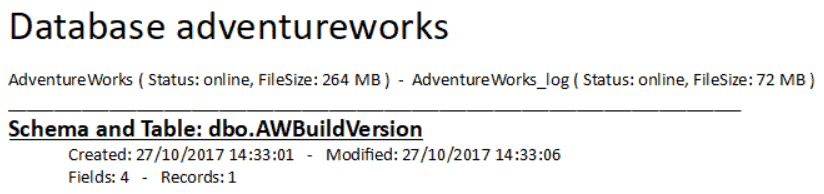
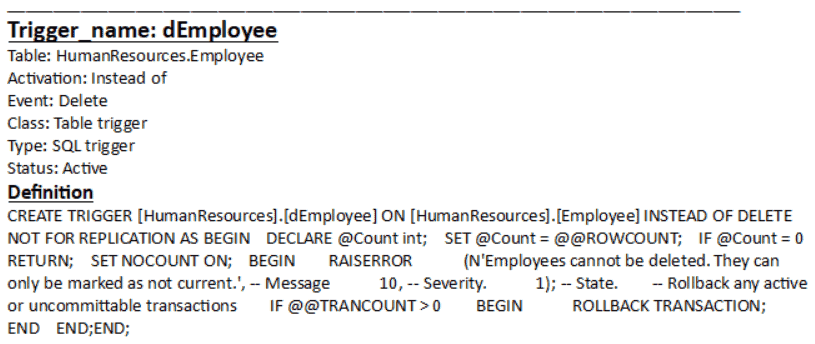
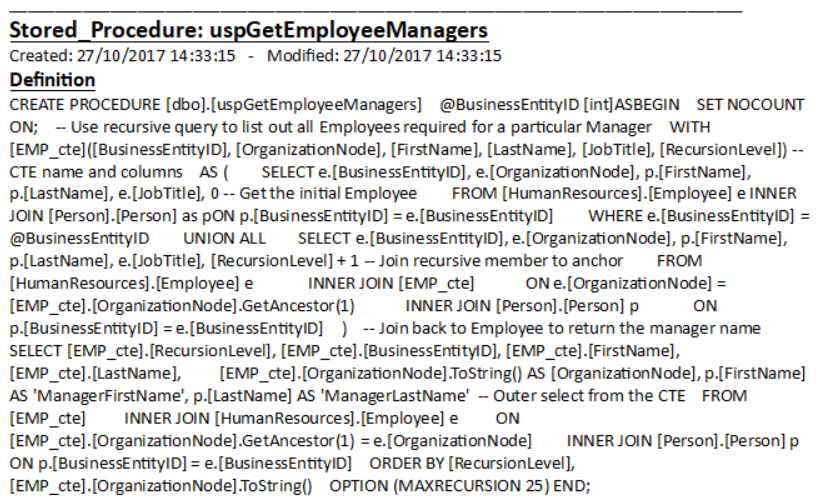
It helps you quickly document database objects such as tables, fields, keys, triggers, stored procedures, and functions.
What is the SQL Server Documentor
The Documentor provides a workspace where you can generate and export SQL-based documentation.
Using the toolbar, you can insert structured content into a document with a single click. This includes various database objects formatted for readability and reporting.
How to Use the Documentor
- Open the Documentor module
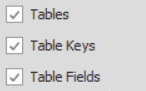
- Select the type of object you want to document
- Click Add to Text
- The generated SQL or structured content appears in the editor
- Repeat for additional objects
This allows you to build complete database documentation step by step.
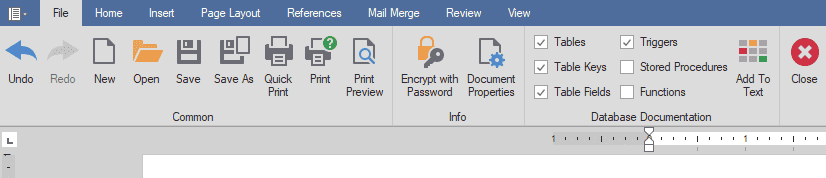
Documentor DDL & DML - Toolbar Overview
| Possibility | Image / Action | Result |
|---|---|---|
 |  |  |
 | |  |
 | |  |
 | |  |
 | |  |
 | |  |
Supported Database Objects
The Documentor supports:
- Tables
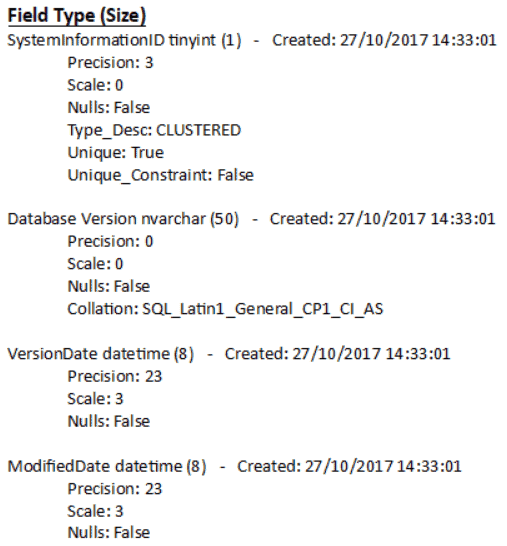
- Fields and data types
- Primary and foreign keys
- Triggers
- Stored procedures
- Functions
Each object is documented with its structure, properties, and SQL definition.
Why Use SQL Server Documentor
- Generate structured database documentation
- Quickly extract DDL and DML scripts
- Improve database transparency
- Support auditing and reporting
- Save time on manual documentation
Next Steps
After generating documentation, you can:
- Export results using the Export Wizard
- Analyze structure with Dataflows
- Explore data using the Data Explorer
